
Check these key indicators to verify power, network signal, and router connectivity.
Huawei fibre-box lights
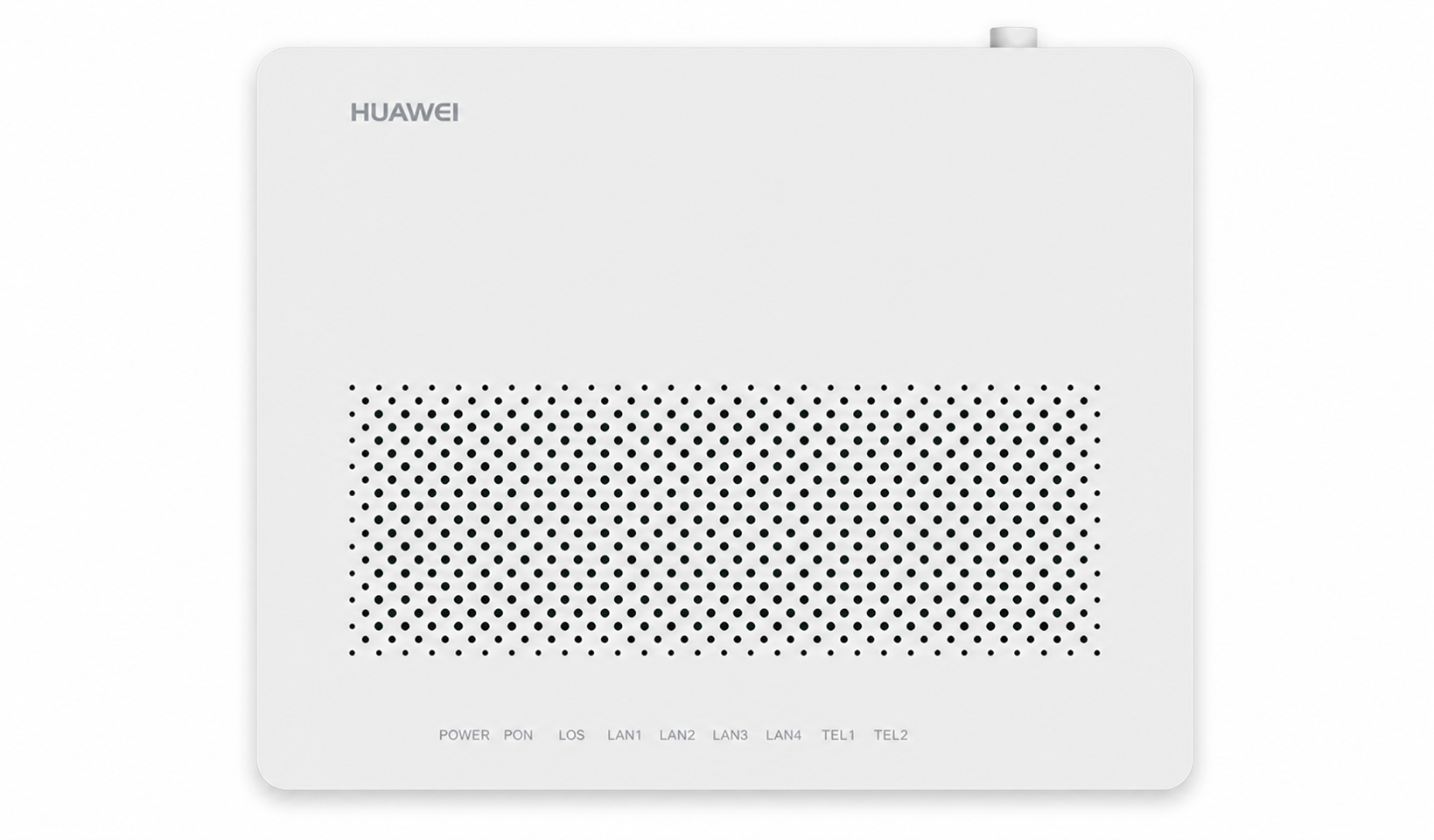
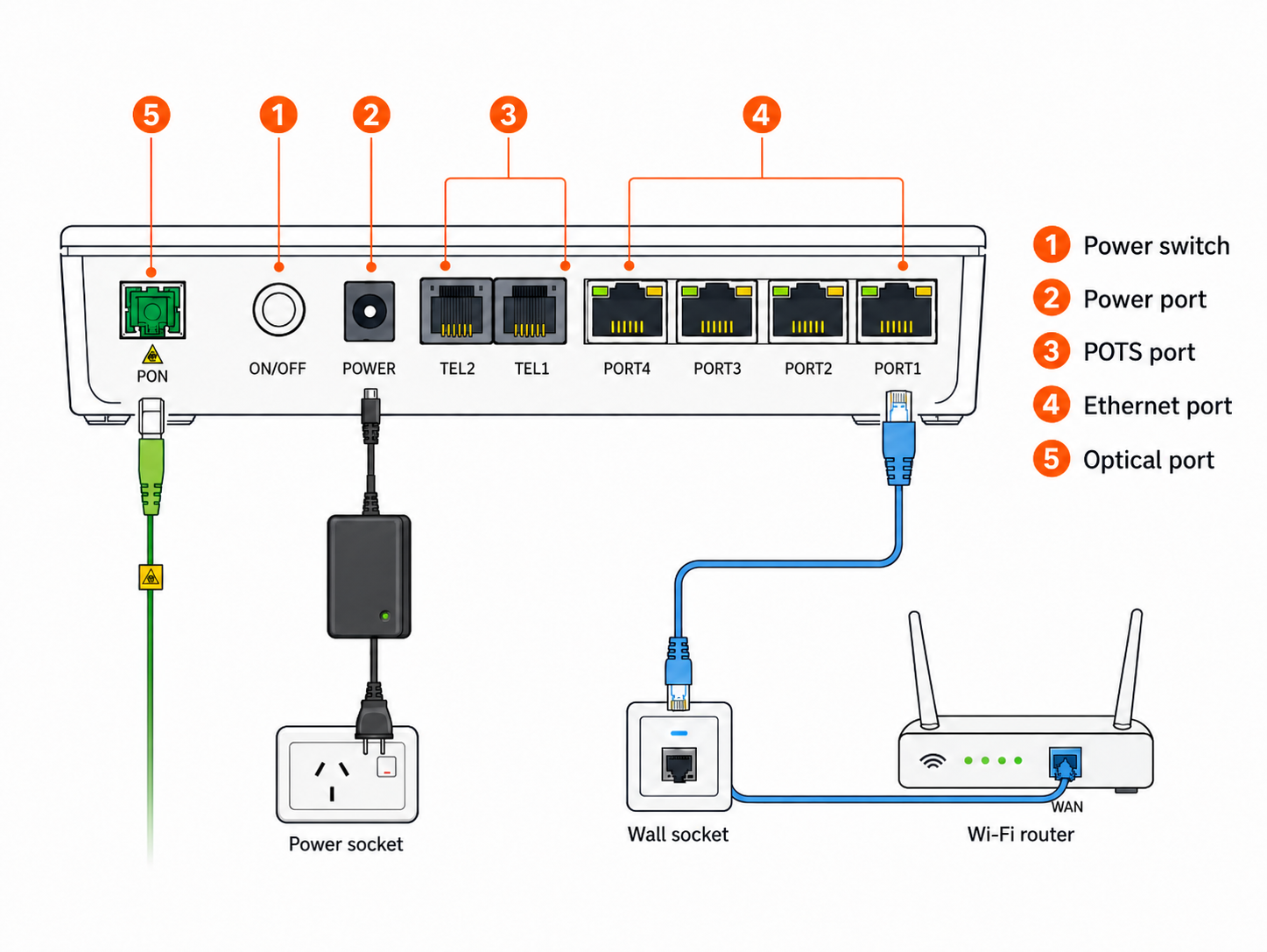
Power green: the fibre box is receiving power.
PON green: the optical network connection is present.
LAN 1 green or flashing: Ethernet traffic or a link to the router is present.
LOS flashing red: optical signal has been lost. Contact AFTEL.
Enablence fibre-box lights
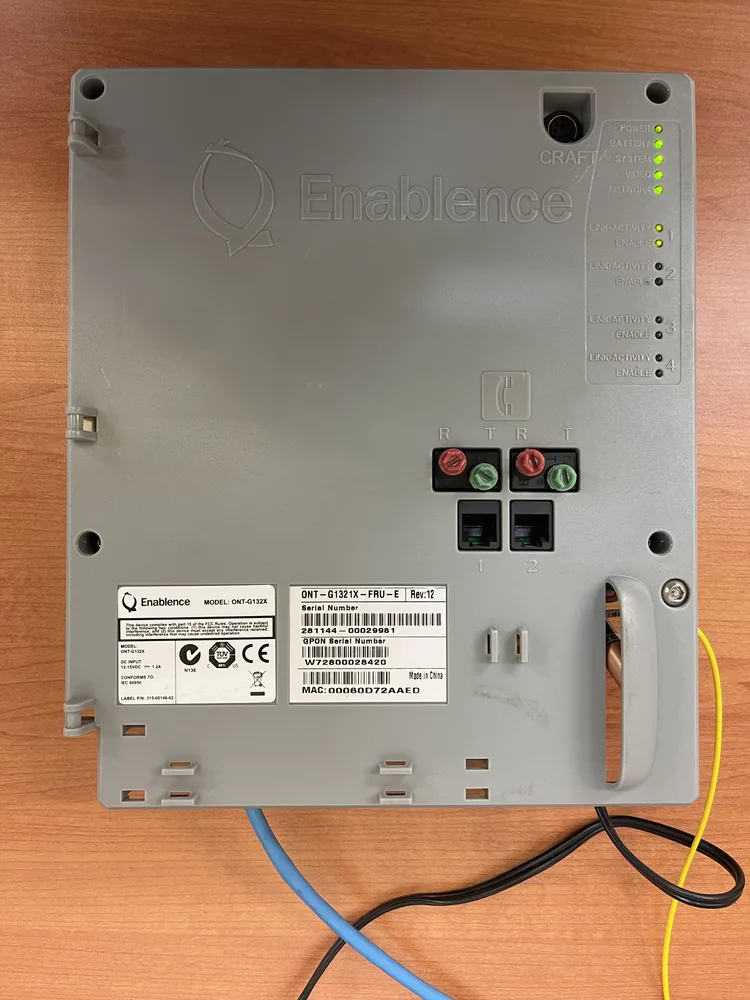
Power green: the device has power.
Network green: the fibre network connection is present.
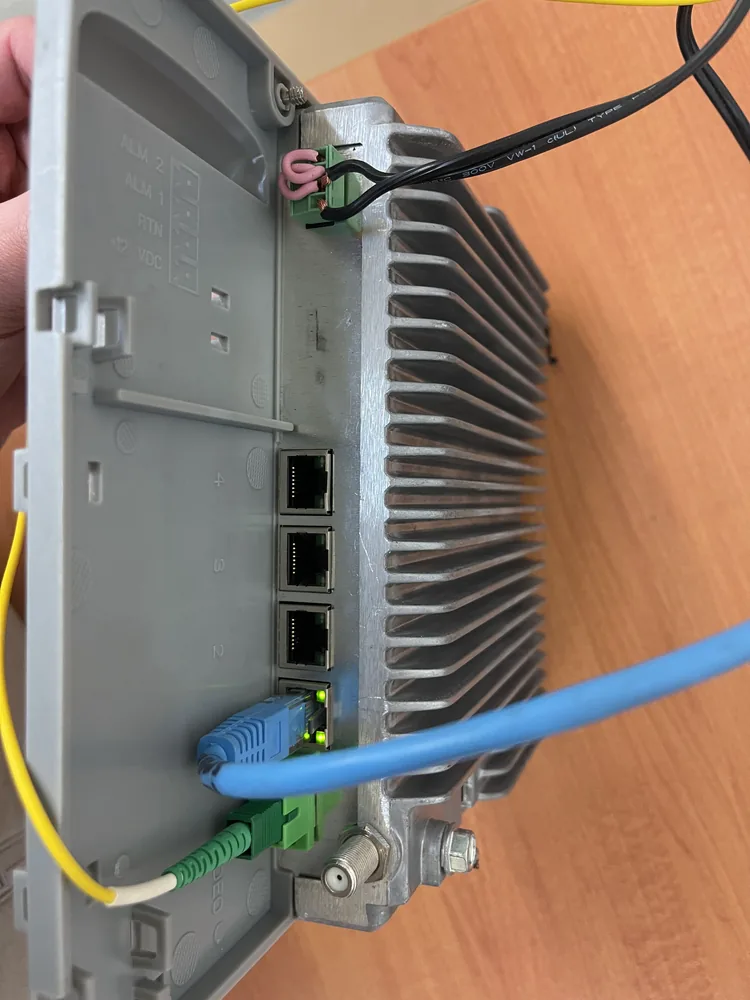
Port 1 link/activity green: the router or correct house-cabling path is connected.
Note: Video and Battery lights are optional and do not affect your internet connection.
When to contact AFTEL
| No Power light | Check the labelled power adaptor, wall socket and any power board. If power is still absent, contact AFTEL. |
|---|---|
| Red LOS / no optical signal | Contact AFTEL so the network fault can be assessed and lodged with Redtrain where required. |
| Optical light is normal, LAN 1 is off | Check the Ethernet cable, router WAN port and house patching. Run a direct cable test. |
| Corecess equipment | Contact AFTEL. Corecess fibre boxes are obsolete and may require a Redtrain replacement request. |
Do not unplug the fibre lead to test it. A photograph of the device and its lights is safer and more useful to the support team.